By Patrick Duncan | Commercial Safe & Lock
Table of Contents
- Which Cloud-Based Access Control Systems Rank Best?
- How Should Your Business Choose a Cloud Platform?
- Ready to Secure Every Door with CSL?
- Frequently Asked Questions
Key Takeaways
- Buy the software that lets you keep your existing door hardware, because readers and controllers typically outlive any subscription.
- Demand written answers on audit-log ownership, export rights, and data retention before a cloud access control contract is signed.
- Start with a door and site count, then make each vendor show how licensing grows as you add openings.
- Accessibility rules cap door hardware operating force at five pounds, so test every electrified lock and exit device before you sign.
Which Cloud-Based Access Control Systems Rank Best?
Compare open hardware support, mobile credentials, and remote management from any device. Those three factors decide which of the best cloud-based access control systems fit a commercial building in 2026. Brivo, Avigilon Alta, Verkada, Genea, and Kisi lead the field, and each one suits a different kind of site. We rank them below, then compare cloud and on-premises setups feature by feature. Door hardware, power, and code compliance shape the outcome as much as software does. Commercial Safe & Lock can help you review your security plan.
What separates the best cloud-based access control systems is hardware freedom. Look for platforms that accept non-proprietary readers and controllers, because switching software later should not mean ripping out every door. A published specification from OpenPath lists the parts a cloud system must supply: control panels, expansion boards, readers, user credentials, and an online administrative portal. If a vendor quotes anything less, ask which pieces are proprietary. That specification also names the security vocabulary you should expect on a submittal, including Advanced Encryption Standard, Transport Layer Security, single sign-on, and two-factor authentication. Division 28 specifications cross-reference cyber security requirements and an uninterruptible power supply, so battery backup belongs in the budget from day one. Before you sign, ask who installs and services the door hardware, because cloud software still rides on readers, electric locks, and wiring. Multi-site operators tend to fit Brivo and Genea, while offices that want phone-based entry lean toward Avigilon Alta and Kisi, and Verkada suits sites that want cameras and doors in one dashboard. Per Best Cloud-Based Access Control Systems for 2026, cloud platforms remove the on-premises server, enable remote management, and support real-time monitoring. Every door still needs code-compliant exit hardware, since the International Building Code covers electrical locking systems permitted by the codes in sections 1010.1.9.7 through 1010.1.9.10.
- Open protocol support: readers that speak OSDP, the Security Industry Association standard, so you can change platforms without replacing hardware.
- Credentials that travel: encrypted mobile credentials plus a physical card fallback for visitors, contractors, and lost phones.
- Permissions and proof: role-based access levels and audit logs you can export during an investigation, a theft claim, or an insurance review.
- Updates without a truck roll: cloud platforms push patches server side, so no on-site server cabinet needs routine maintenance.
- Power during an outage: confirm each controller carries battery or UPS backup so doors stay secure and events keep logging.
- A trained installer: ask for professionally trained and certified technicians who handle locks, doors, and wiring in one visit.
Check the fine print before you commit
- Read the vendor’s terms of service before you sign. Confirm who owns your activity history, how long audit records are retained, what happens to door data if you cancel, and which service response times are guaranteed. Commercial Safe & Lock installs and services commercial door hardware, so ask us to inspect the readers and locks you already own before you commit to software.
The 2026 shortlist matched to building type, with each profile’s concrete specification or code anchor. Sources: Coram, Best Cloud-Based Access Control Systems for 2026, OpenPath Section 28 10 00 access control specification, Avigilon cloud access control, ICC on electrical locking systems in the codes, and ASIS, The Essentials of Access Control (2023).
| Platform profile | Best for | Concrete capability | Code or spec requirement |
| Brivo, Genea (cloud-native portals) | Single offices growing into multi-site portfolios | Remote management and real-time monitoring from one dashboard, with no on-premises server, per Coram | Cloud-based system must include control panels, expansion boards, readers, user credentials, and an online administrative portal (OpenPath Section 28 10 00) |
| Avigilon Alta, Kisi (mobile credential first) | Offices where phones replace cards at every entrance | Door readers and intercoms, access credentials, boards, controllers, hubs, and wireless locks listed together (Avigilon cloud access control) | Mobile credential plus card fallback; verify each reader accepts a non-proprietary controller |
| Verkada (camera and door integration) | Sites that want video and access in one dashboard | Cameras, video management systems, door readers, and wireless locks in a single cloud catalog (Avigilon) | Each of the four IBC electrical locking systems (sections 1010.1.9.7 through 1010.1.9.10) may be installed with ingress control locking for enhanced security (ICC) |
| Enterprise and public agency deployments | Campuses, facilities teams, and compliance-driven owners | Benchmarking and best-practice guidance from the 2023 ASIS access control research report | Owner specifications such as the University of Houston Section 28 1300 (08.2023 edition) require installers to hold current certification with the specified system (UH master specification) |
How Should Your Business Choose a Cloud Platform?
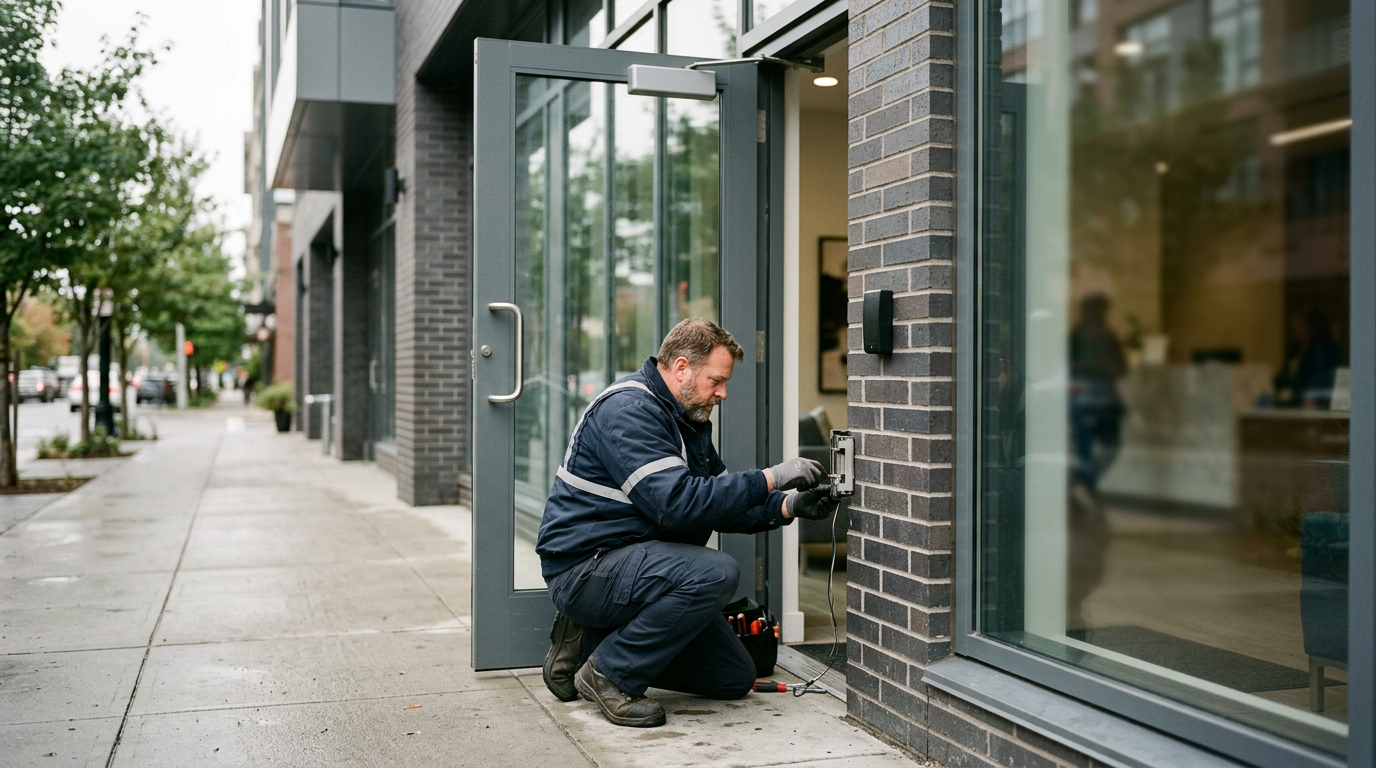
Match the platform to your building before you compare vendors. Count every door and site, confirm pricing is charged per door or per location, and verify the system adds both without new servers on site. Then check whether your existing readers, electric strikes, and maglocks in your St Louis, Missouri, building can stay, because replacing hardware usually costs more than the software. Readers and controllers also need a shared protocol, and the Security Industry Association says Open Supervised Device Protocol supports bidirectional communication between readers and controllers and continuously supervises device status. Banks and regulated sites in St Louis County should require exportable audit logs, scheduled lockdowns, and permission tiers that match examiner expectations and internal security policy. If you plan new locations, confirm one dashboard covers every site. Door hardware must also meet the ADA rule that operable parts work with one hand, without tight grasping or twisting, and with no more than five pounds of force. When you bring in Commercial Safe & Lock for door hardware in St Charles County, a professionally trained technician checks each opening before you commit to any of the best cloud-based access control systems.
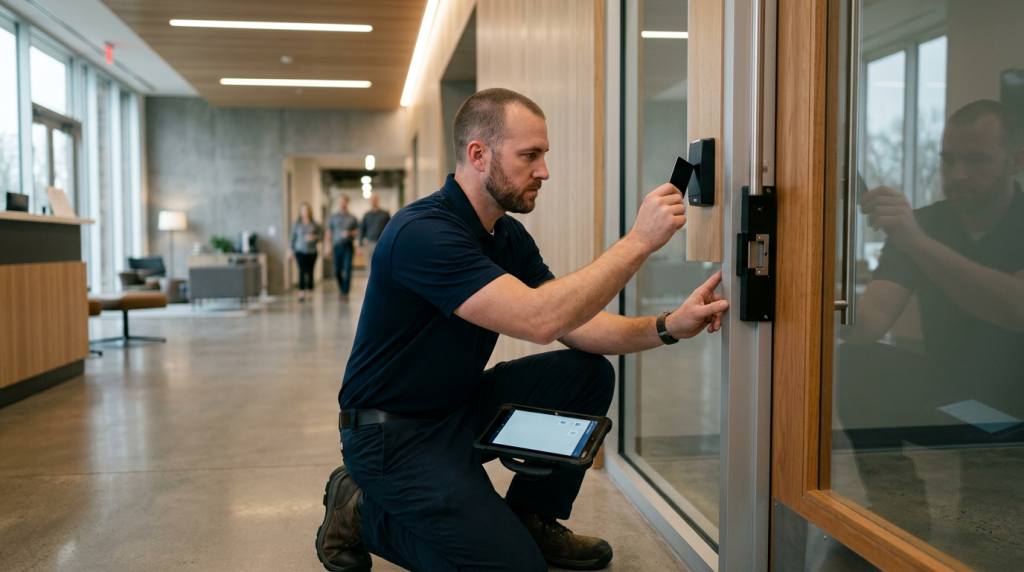
Existing readers, strikes, and maglocks decide whether a cloud upgrade stays affordable.
Numbers that shape a cloud access control shortlist
- 5 pounds – Maximum operating force for door hardware operable parts, per the ADA Standards
- 2008 – When the Security Industry Association’s OSDP reader-to-controller standard was first created
- 28 10 00 – MasterFormat section that specifies a commercial access control system
- 31 years – Commercial Safe & Lock has been family-owned and operated since 1995
Ready to Secure Every Door with CSL?
Commercial Safe & Lock installs the cloud platform, door hardware, locks, and ADA compliant entries together. Specs require coordination with other trades, so one crew handles it. Our certified technicians bring you free quotes, 24/7 emergency service, and a satisfaction guarantee. Request your free quote today.
Frequently Asked Questions
What should I know before choosing a cloud access control platform?
A: Cloud platforms usually bill per door or per site, keep doors working during an internet outage, and often reuse the readers you already own. Pricing follows door count, credential type, and feature tier, so ask for an itemized quote. Installation time depends on door count, hardware condition, and network readiness, so an on-site assessment gives the most accurate plan.
How should I read a subscription pricing quote for cloud access control?
A: Break the quote into pieces before you compare vendors. A written cloud-based access control specification normally covers control panels, expansion boards, readers, user credentials, and an online administrative portal, per the OpenPath system specification, and each of those elements can be billed as hardware, as a per-door license, or as a site-level subscription. Ask which line items are one-time, which recur monthly, and what adding mobile credentials or a higher feature tier costs later.
Will my doors still open if the internet goes down?
A: In most deployments, yes. Cloud platforms are designed so the controller at each door still decides access, which means an authorized card or phone credential usually keeps working while the site is offline, and the cloud layer resumes reporting and remote management when the connection returns. Because that behavior is not identical across products, get the cache duration in writing and ask what happens to scheduled access levels and visitor credentials during a network outage.
Can I reuse my existing card readers and electrified locks?
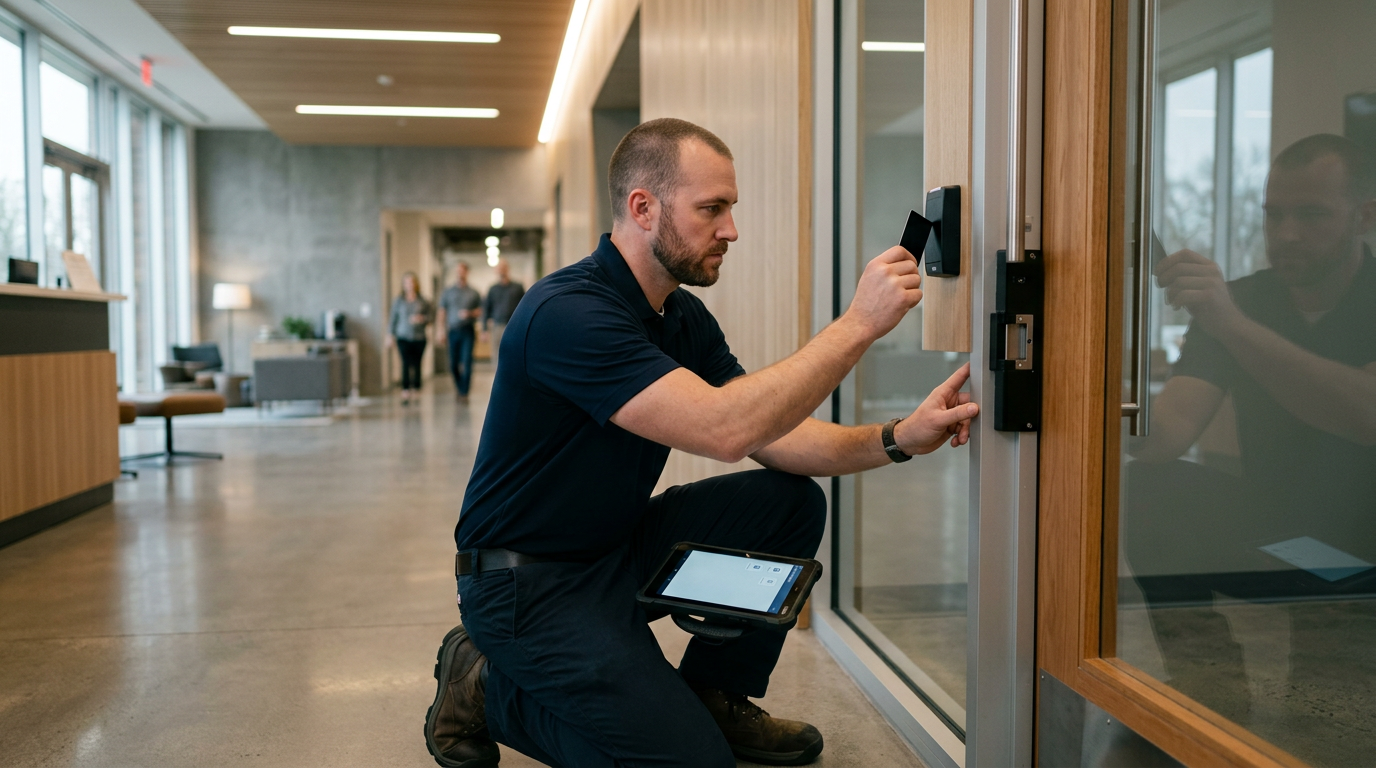
A: Often, when the hardware follows a common protocol. OSDP is an open standard for communication between access control panels and peripherals such as card readers, and it was designed to improve interoperability and to provide a more capable alternative to the legacy Wiegand interface. The Security Industry Association also runs a program that validates a device’s conformance to OSDP, so readers that pass it can frequently stay in place while the panel and software move to the cloud. Have every reader, its wiring, and its electrified hardware checked during the site walk before you budget for replacements.
Do the best cloud-based access control systems fit every commercial building?
A: No, fit depends on how the building is used. A single-tenant office with one public entry needs far less than a campus with loading docks, multiple suites, and shared corridors, and mixed-use properties often need separate access levels per tenant plus contractor schedules. Match the platform to the door map first, then confirm that remote administration, mobile credentials, audit trails, and camera or alarm integrations are included at the tier you are buying rather than sold as add-ons.
Which areas of a commercial building need more than standard door access?
A: Treat any space that holds cash, records, or valuables as its own zone. A public lobby door and a teller line should not share one access level, so most plans layer higher-security openings on top of the same cloud platform, with tighter credential rules and more detailed event logs. Commercial Safe & Lock handles that kind of staged work, from ordinary commercial entries to bank security areas where hardware, access levels, and audit expectations are stricter.
Who should install and maintain a cloud access control system?
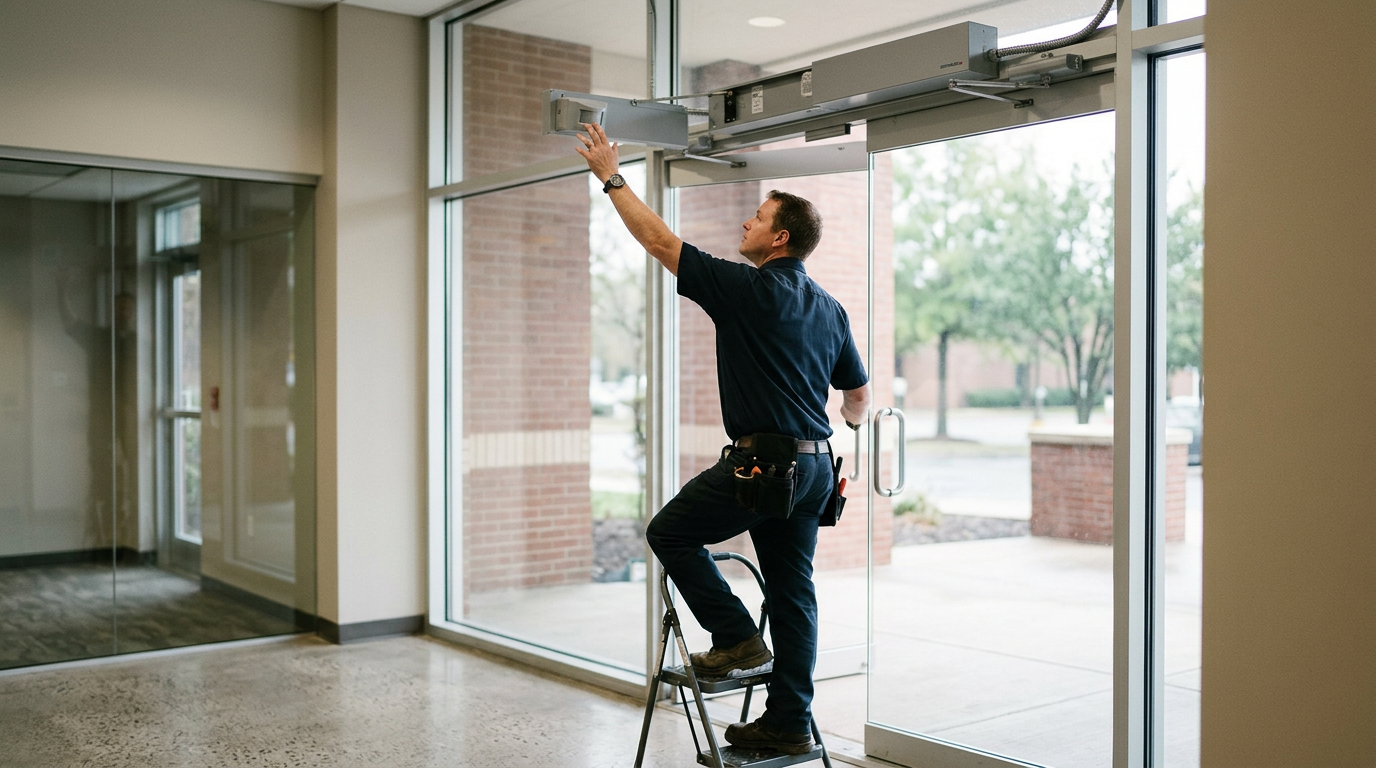
A: The software vendor licenses the platform, but someone still has to prepare every opening. Reader placement, electrified hardware alignment, door power, and network readiness decide whether a well-configured system performs well, and poorly fitted doors are the usual reason owners lose patience after go-live. CSL’s professionally trained and certified technicians handle the door and hardware side of these projects, including bank security work where tolerances are tighter, and the company has been family-owned and operated since 1995.